SpinFever Mobile Casino in Australia
 Available in AU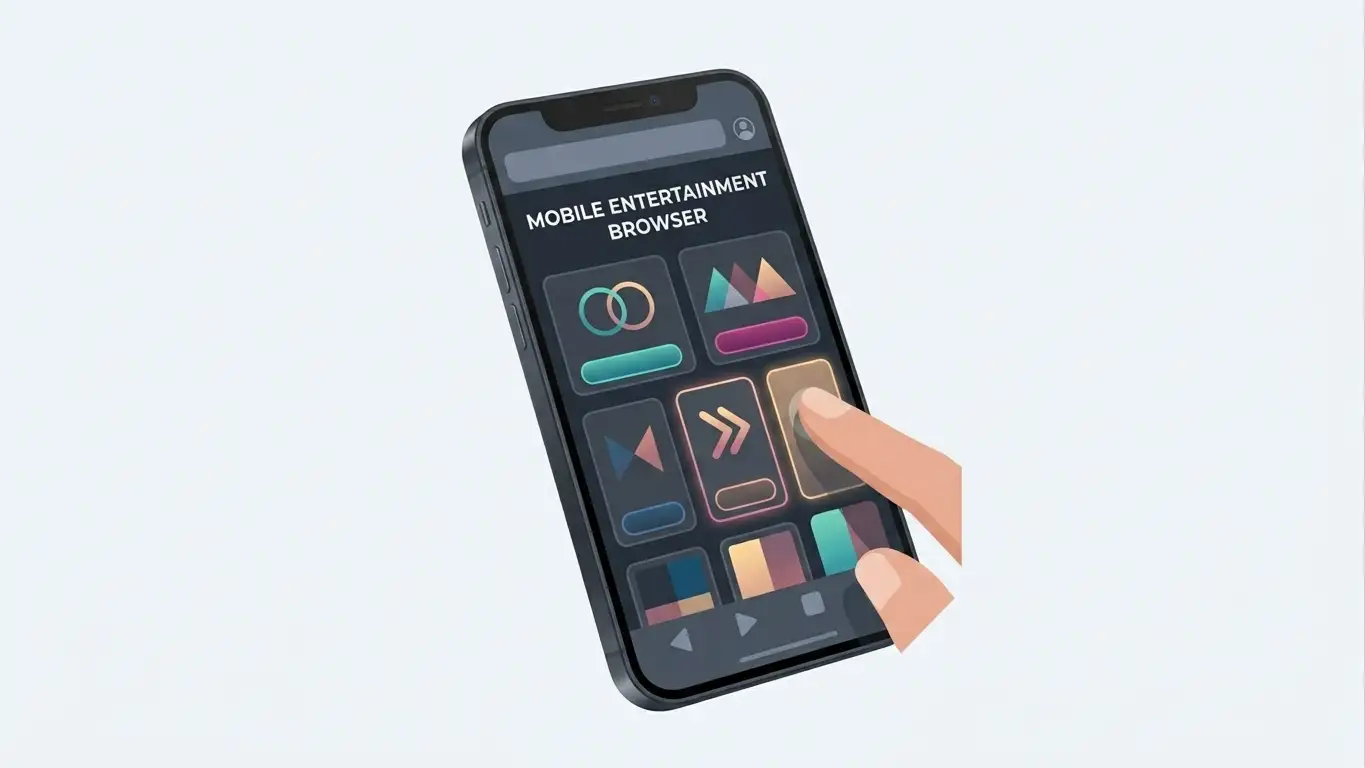
SpinFever works through mobile browsers, and the current official install page tells both Android and iPhone users to add the SpinFever homepage to their home screen. That is best understood as a browser-installed web-app style experience: it gives quicker home-screen access without, by itself, proving that the real-money casino has a native App Store or Google Play client.
The current official installation guidance does not establish a native iOS or Android app-store listing for the real-money SpinFever casino. That is deliberately different from saying that no native app can ever exist. For Australian readers, the clearly documented path is the responsive website and its Add to Home Screen installation flow.
Table of Contents
- Browser casino or native app?
- What can you do from a mobile browser?
- How the Add to Home Screen flow changes the experience
- iPhone and Android: what current evidence supports
- Mobile games: the catalogue is broader than pokies
- Mobile payments: check the live cashier, not just a review table
- Account setup on a phone
- Connection and performance checks that matter
- Details that may vary
- Mobile checklist before you use the casino
- Current mobile access guidance
Browser casino or native app?
The distinction matters because casino reviews often use the word “app” loosely. A native app is normally distributed as an installable package through an app store or a platform-specific download. A web app or progressive web app runs from the website but can be added to a phone’s home screen so it launches more like an installed application.
SpinFever’s own installation instructions are explicit about the process. On Android, users are told to open the homepage, use the browser menu and choose “Add to the Home Screen”, then confirm installation. On iPhone, the instructions use the browser Share menu followed by “Add to Home Screen”. That process supports the browser-installed interpretation.
For that reason, the current SpinFever mobile experience is best described as browser-based rather than as a confirmed native casino app. The safer, evidence-led wording is that mobile browser access is supported and the official site provides a home-screen installation route.
What can you do from a mobile browser?
The mobile site is designed to expose the same main casino functions a reader would expect to reach on desktop: account access, the game lobby, live casino categories and the cashier. SpinFever’s current official pages confirm pokies, live casino and multiple payment methods, so mobile usefulness is not limited to browsing promotional pages.
In practice, the important test is not whether the desktop and mobile pages look identical. Responsive sites usually rearrange navigation and controls for a smaller screen. What matters is whether the tasks you actually need remain clear: finding a game, signing in, opening the cashier, checking a promotion’s terms and reaching support.
| Mobile task | What to verify on your device | Why it matters |
|---|---|---|
| Login | Fields, password controls and verification prompts remain readable without zooming. | Account access should not depend on desktop layout. |
| Game browsing | Category filters and search are easy to reach on a narrow screen. | Large game catalogues become difficult if navigation is buried. |
| Live casino | Dealer stream and betting controls fit comfortably in portrait or landscape mode. | Live games depend on both video stability and readable controls. |
| Cashier | Your chosen deposit or withdrawal method is visible and its limits are clearly shown. | Payment availability can vary by account, method and location. |
| Support | Live chat or help links can be opened without leaving an unfinished payment or game flow. | Mobile troubleshooting is easier when support is reachable from the same device. |
How the Add to Home Screen flow changes the experience
Adding a website to the home screen mainly changes convenience. Instead of opening a browser and finding a bookmark, you launch the saved icon from the phone’s home screen. Depending on the browser and site implementation, it may open in a standalone-looking window or in a browser context.
That does not automatically give the same capabilities as a native application. Push notifications, biometric integrations, background behaviour and update distribution depend on the web implementation and device platform. None of those features should be assumed just because the official page uses the word “app”.
The practical benefit is simpler access without downloading a separate casino package from an app store. For readers who prefer not to install anything, the ordinary mobile browser remains the clearest access method described on the site.
iPhone and Android: what current evidence supports
The official installation page gives separate instructions for Android and iPhone. Both start from the SpinFever homepage and both end by saving the site to the home screen. That is useful because it establishes platform coverage at the browser level without needing to infer a native application.
SpinFever’s official FAQ also treats the mobile device, operating system and browser as relevant troubleshooting information. If a mobile problem occurs, the site asks users to provide those details to support. This reinforces the idea that browser compatibility is part of the normal mobile experience.
If an app-store listing appears in future, it should be checked against the official operator and SpinFever site before being treated as the real-money casino app. Name matching alone is not enough, because unrelated products can use similar names.
Mobile games: the catalogue is broader than pokies
SpinFever’s current official pages confirm pokies as a core part of the lobby and also confirm live casino. On mobile, the key issue is how those formats translate to a small screen rather than whether the categories exist at all.
Pokies and other RNG games often adapt well to portrait play because the interface can scale around one game canvas. Live dealer products can be more demanding: the video feed, betting panel, timer and table information all compete for screen space. Landscape orientation may be more comfortable for some tables, but the current interface should be tested rather than assuming one layout is always better.
For catalogue details, filters and the difference between pokies, RNG table games and jackpots, use the SpinFever Pokies and Games for Australian Players. For streamed dealer tables, the dedicated live-casino guide goes deeper into table-level checks.
Mobile payments: check the live cashier, not just a review table
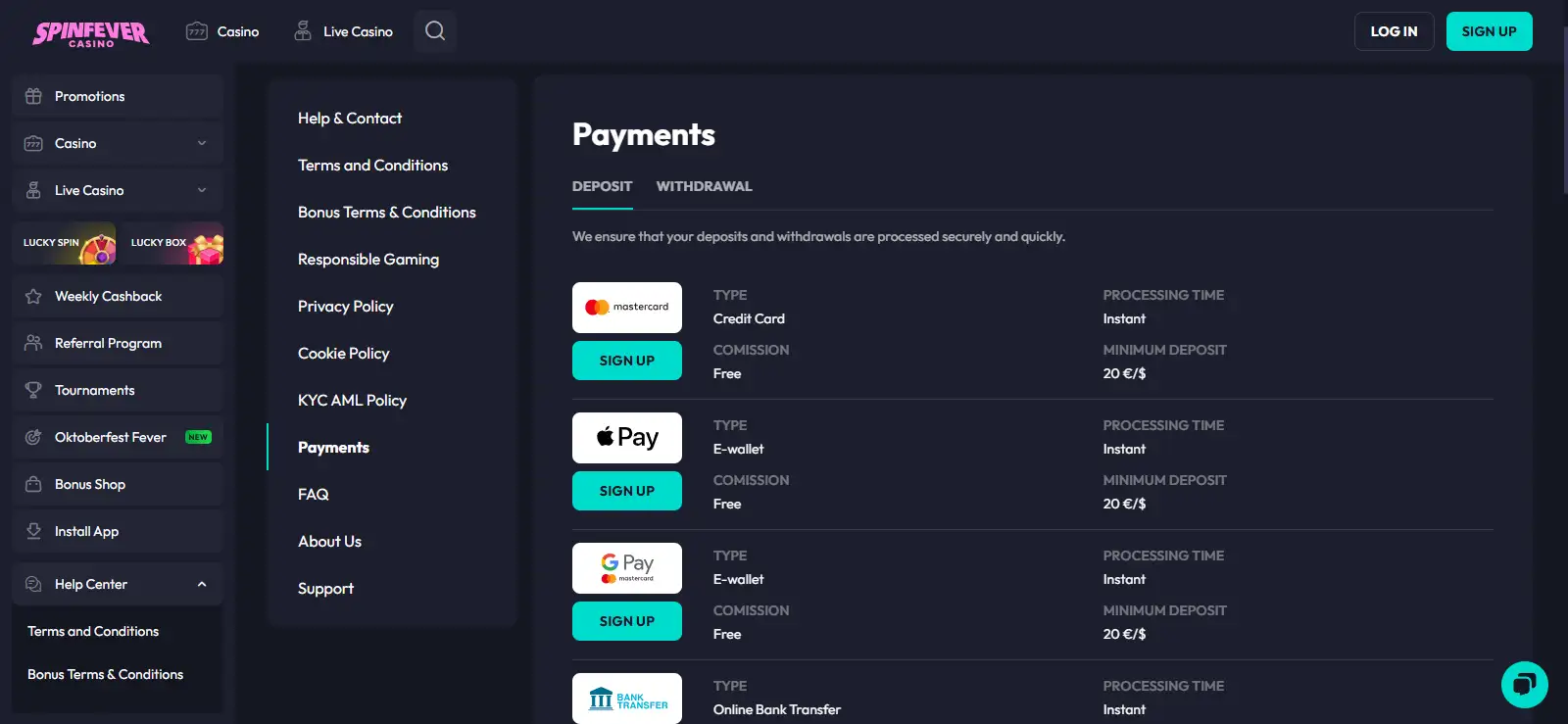
The current official payment material lists Mastercard, bank transfer, Apple Pay, Google Pay, Paysafecard, MiFinity and eZeeWallet among the fiat and wallet methods presented for the Australian-facing site, alongside supported cryptocurrencies. On a phone, Apple Pay and Google Pay can be especially convenient when the relevant wallet and account setup are available, but the exact cashier display is the final source for your account.
A mobile payment decision should consider more than whether a method appears in a list. Check the minimum shown in the cashier, whether the method is available for withdrawals as well as deposits, whether additional verification is requested and whether you are being redirected to a bank or wallet application.
The dedicated SpinFever Payment Methods in Australia page covers the payment menu in detail. This mobile page focuses on device use rather than repeating every method and processing-time claim.
Account setup on a phone
Registration and account verification can be completed through a mobile browser, but a small screen makes form accuracy more important. Use an email address and personal details you can access consistently, avoid autofill errors in date or address fields, and review the information before submission.
If identity verification is requested, use clear, current documents and follow the upload instructions shown in the account flow. This page does not present a fixed document list because exact KYC requirements can vary by account and request.
The separate SpinFever registration Australia covers account creation and verification boundaries without turning this mobile page into a second registration article.
Connection and performance checks that matter
No review can guarantee how a casino site will perform on every phone, network or browser version. A practical mobile assessment is therefore device-specific. Open the site on the connection you normally use and test the tasks that matter before beginning a longer session.
- Confirm the main navigation opens cleanly and does not cover important account controls.
- Open several game categories and check that filters remain usable without repeated horizontal scrolling.
- Launch a low-friction demo or information screen before relying on the device for real-money play.
- For live casino, confirm that the stream is stable and the betting controls remain readable.
- Open the cashier and make sure method names, minimums and status messages are visible.
- Keep the operating system and browser updated, especially if a page behaves differently from desktop.
SpinFever’s FAQ specifically asks for device model, operating system and browser when investigating mobile problems, which is a useful reminder that compatibility issues can be local to a particular setup rather than a universal site failure.
Details that may vary
It does not verify a native real-money SpinFever app distributed through Apple’s App Store or Google Play. It also does not claim that such an app can never be released. The evidence available for this page supports mobile browser use and an official Add to Home Screen installation process.
It also does not promise that every desktop game or payment method will behave identically on every mobile device. Game-provider restrictions, browser capabilities and account-level cashier availability can affect what a user sees. Those are reasons to check the live interface rather than assume every desktop feature behaves identically on mobile.
Mobile checklist before you use the casino
A quick orientation check on both Wi-Fi and mobile data can reveal layout, login or connection issues before a payment is involved.
- Open SpinFever in your normal mobile browser and confirm the site loads correctly.
- If you want quicker access, use the official Add to Home Screen flow rather than assuming you need an app-store download.
- Test login, lobby navigation, cashier and support before starting a long session.
- For live games, check stream stability and control size in both portrait and landscape orientations.
- Check the current cashier for the exact payment methods and limits available to your account.
- Keep a spending and time limit that does not depend on the convenience of mobile access.
Mobile convenience can make sessions easier to start, so practical controls matter. A home-screen icon changes access speed, not the underlying need to manage time and spending deliberately.
Current mobile access guidance
Mobile browser support was checked against the official SpinFever FAQ. The current installation process was checked against SpinFever’s official install-app page, which instructs Android and iPhone users to add the homepage to their home screen. Game and payment availability are based on the current official AU-facing pages. For the broader brand view, return to the SpinFever Casino Australia Review 2026.
Created by the ”Spin Fever Casino” editorial team.